YouTube Chapters from Notes
Turn time‑synced notes into clean YouTube chapters. Capture timestamps in NotedCut, format them fast, and paste a viewer‑friendly outline into your description
Tap +Note while you watch. Jump back to the exact moment. Export Markdown/CSV/JSON. Private by design.

Struggling to keep up with long lecture videos? NotedCut lets you capture ideas at the exact moment in a video, so you can find and share key moments fast. Import any video or YouTube link, add timestamped notes, and jump back to critical points instantly. Study smarter, faster.
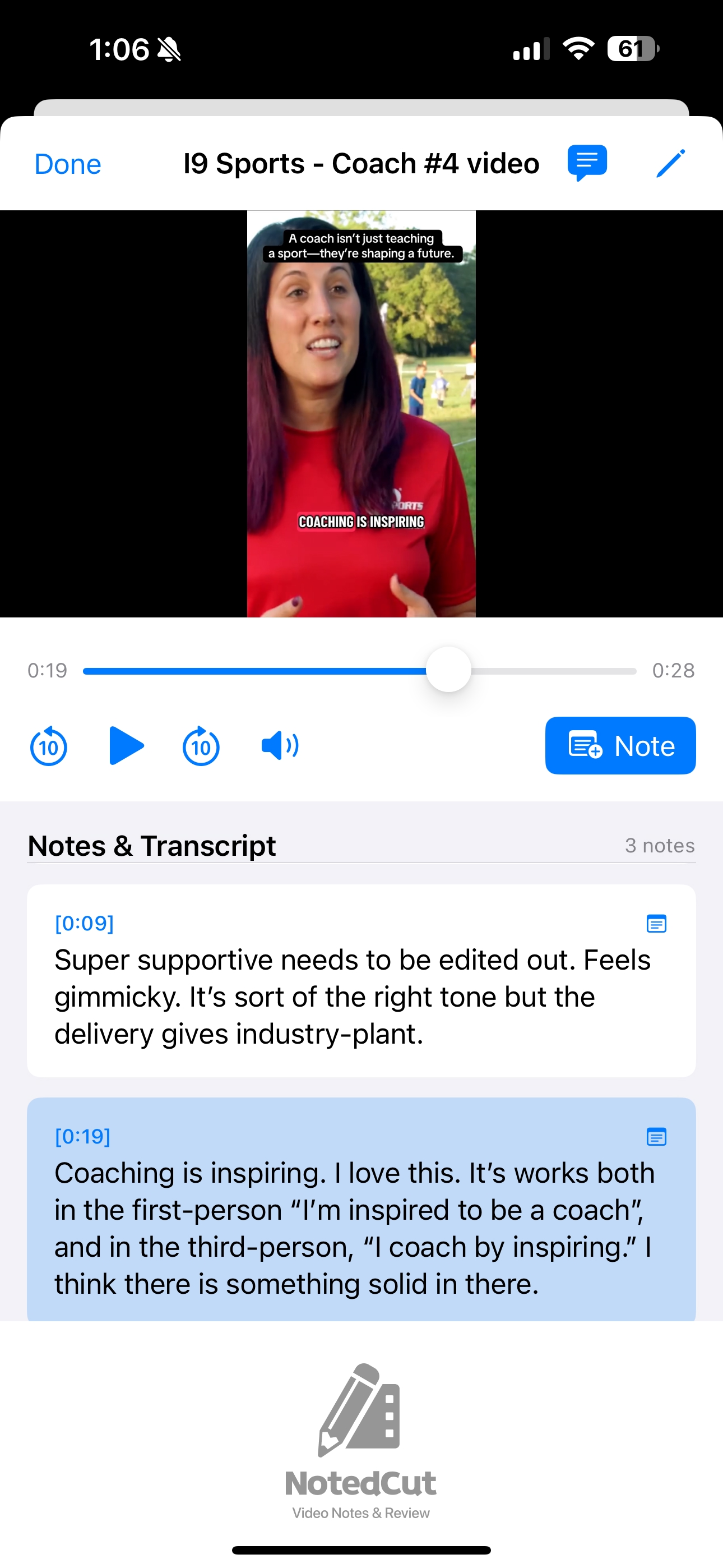
Tap +Note while watching to capture the moment and your thoughts.
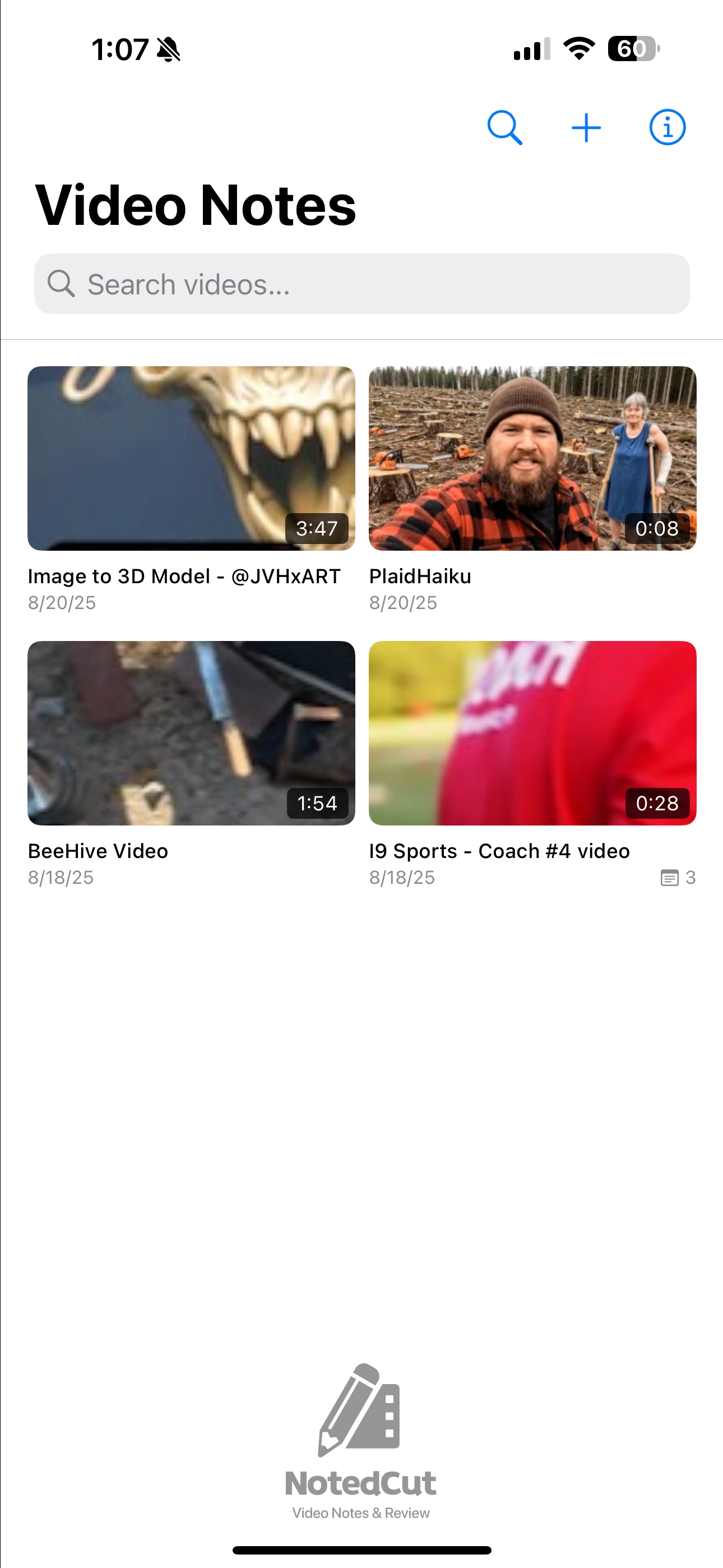
Browse your videos. Tap to open and start note‑taking.
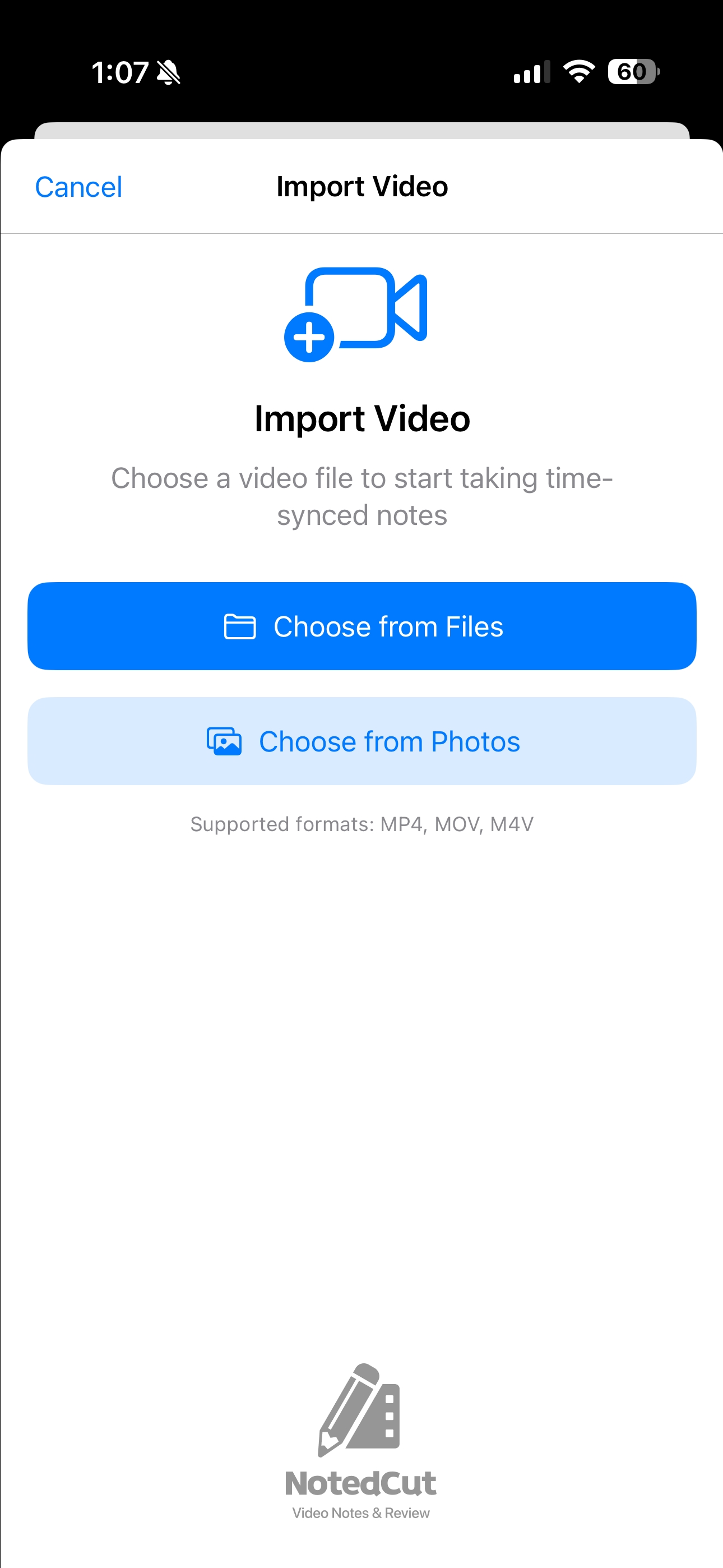
Import MP4/MOV/M4V. Your originals stay untouched.
Add notes while playing; they’re tied to exact timestamps.
Bring videos from Photos or Files, including iCloud Drive.
Tap any note to jump back instantly and rewatch.
No accounts, no tracking. Optional iCloud sync.
“NotedCut literally saved me hours of rewatching lecture videos. I can jump straight to the part I need for my homework. My study sessions are so much shorter now!”
— Jane D., Junior, Biology Major
“The time‑synced notes feature is a game‑changer for my online classes. I take notes during the video and later just click a note to replay that concept—super helpful during exam prep!”
— Alex P., Sophomore, Engineering Student
“I can search all my video notes by keyword. Whether it’s a formula from week 3 or a quote from a guest lecture, I find it in seconds.”
— Lisa T., Senior, Education Major
It’s free to start (3 videos, 20 notes each, iCloud sync). Unlock unlimited notes and videos with a one‑time Pro upgrade—no subscription.
Turn time‑synced notes into clean YouTube chapters. Capture timestamps in NotedCut, format them fast, and paste a viewer‑friendly outline into your description
Learn how to set up, name, and use Collections in NotedCut Pro to organize tutorials, lectures, and project videos into a fast, searchable study library
Learn a fast, distraction-free workflow to study recorded lectures on iPhone/iPad using time‑synced notes, search, and exports with NotedCut
A crisp, timecode‑first workflow to collect feedback, mark fixes, and export shareable notes for editors and clients using NotedCut on iPhone/iPad
Learn how to export time‑synced video notes from NotedCut as Markdown, organize files, and integrate them into apps like Obsidian, Notes, and Git tools
Learn how to export your time‑stamped NotedCut notes as clean Markdown, format options, and workflows for sharing, archiving, or publishing to blogs and docs
Turn recorded lectures into searchable, time-stamped notes on iPhone and iPad using NotedCut. Learn setup, fast note habits, exports, and a weekly review flow
Build distraction‑free YouTube study playlists on iPhone/iPad with NotedCut. Use Collections, naming, tags, and exports to focus your learning and find videos fast
Turn YouTube tutorials into searchable, time‑stamped study notes on iPhone/iPad with NotedCut. Learn setup, workflow, tips, and export options
Drop precise timestamps while you watch, type notes without pausing, and export clean study logs. Learn setup, workflows, and pro tricks for speed
Discover why NotedCut is the best app for taking notes on YouTube lectures, with real-time syncing, timestamps, and study-friendly features.
Learn how to take precise time stamped notes from online courses using NotedCut, making study and review easier than ever before.